Updated June 2026 to reflect SlideForge v5 (two render modes, one $0.05 price).
SlideForge v3 ships composition — nested {component, params} panels inside SplitView and Card. Build exec dashboards, pricing tables, and feature announcements from the existing 35-component library instead of adding a new template every time. One shape to learn, bounded depth, structured errors. No LLM, no custom template, no manual PPTX.
The fixed-template trap
Every spec-driven slide API eventually ships 500 fixed templates. Executive-summary-v1, executive-summary-v2, executive-summary-with-chart, executive-summary-3-col, and so on. Each new layout is a new template, a new schema to learn, a new preview asset to maintain. The library grows faster than anyone's patience for browsing it.
We hit the same wall. When a customer asked for “a KPI column next to a ranked bar chart,” our options were: write a new template called KpiPlusRankedBars, or compose the two existing components into one panel instead of shipping a new template.
We shipped composition.
The Panel shape
SplitView's left / right and Card's cards[] accept either:
- Legacy shape:
{"label": "Before", "items": ["…"]}— renders a labeled bullet panel. - Composed shape:
{"component": "Metric", "params": { … }}— renders the named component inside the panel's sub-zone.
The discriminator is the presence of a component field. No mode flag, no type discriminator. Legacy panels render as bullets; composed panels render the nested component. Mixing is allowed in SplitView (legacy left, composed right); Card requires homogeneous shape across all cards.
Three patterns that ship with v3
1. Exec dashboard
SplitView with a stacked Metric block on the left and a BarList on the right. The pattern we got asked for.
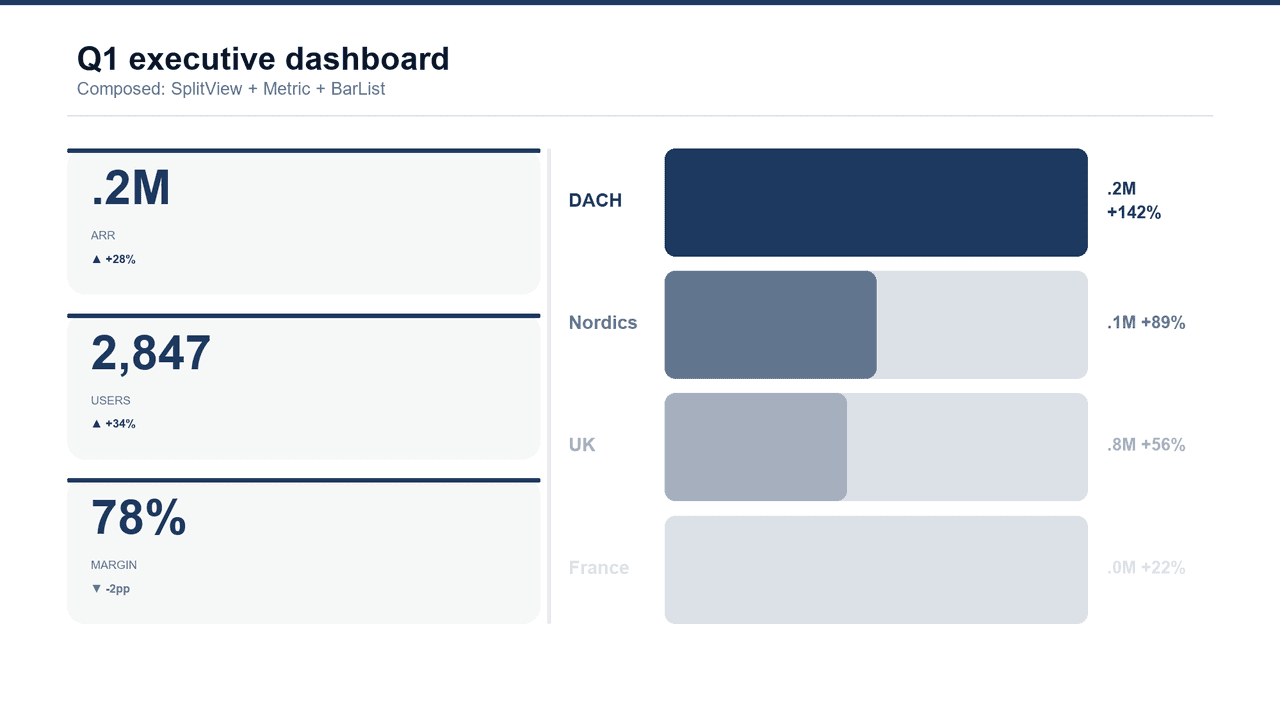
{
  "chrome": {"title": "Q1 executive dashboard"},
  "body": {
    "component": "SplitView",
    "params": {
      "ratio": 0.42,
      "left": {
        "component": "Metric",
        "params": {
          "style": "stacked",
          "metrics": [
            {"value": "$3.2M", "label": "ARR", "trend": "+28%", "trend_dir": "up"},
            {"value": "2,847", "label": "Users", "trend": "+34%", "trend_dir": "up"},
            {"value": "78%", "label": "Margin", "trend": "-2pp", "trend_dir": "down"}
          ]
        }
      },
      "right": {
        "component": "BarList",
        "params": {
          "rows": [
            {"label": "DACH", "value": 1.0, "display": "$4.2M  +142%"},
            {"label": "Nordics", "value": 0.5, "display": "$2.1M  +89%"},
            {"label": "UK", "value": 0.43, "display": "$1.8M  +56%"},
            {"label": "France", "value": 0.25, "display": "$1.0M  +22%"}
          ]
        }
      }
    }
  }
}
2. Pricing tiers
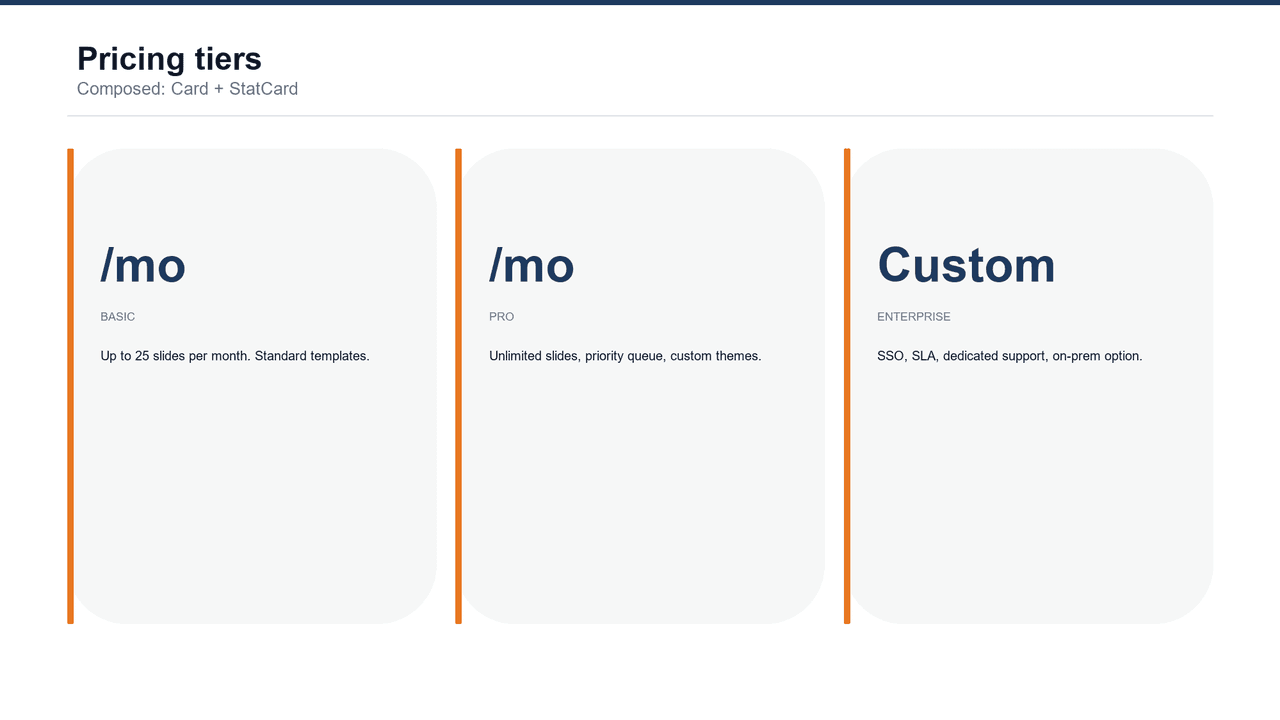
Three StatCards inside a Card block. Each card renders with StatCard's signature accent bar and big-number treatment — no dedicated pricing template needed.
3. Feature announcement
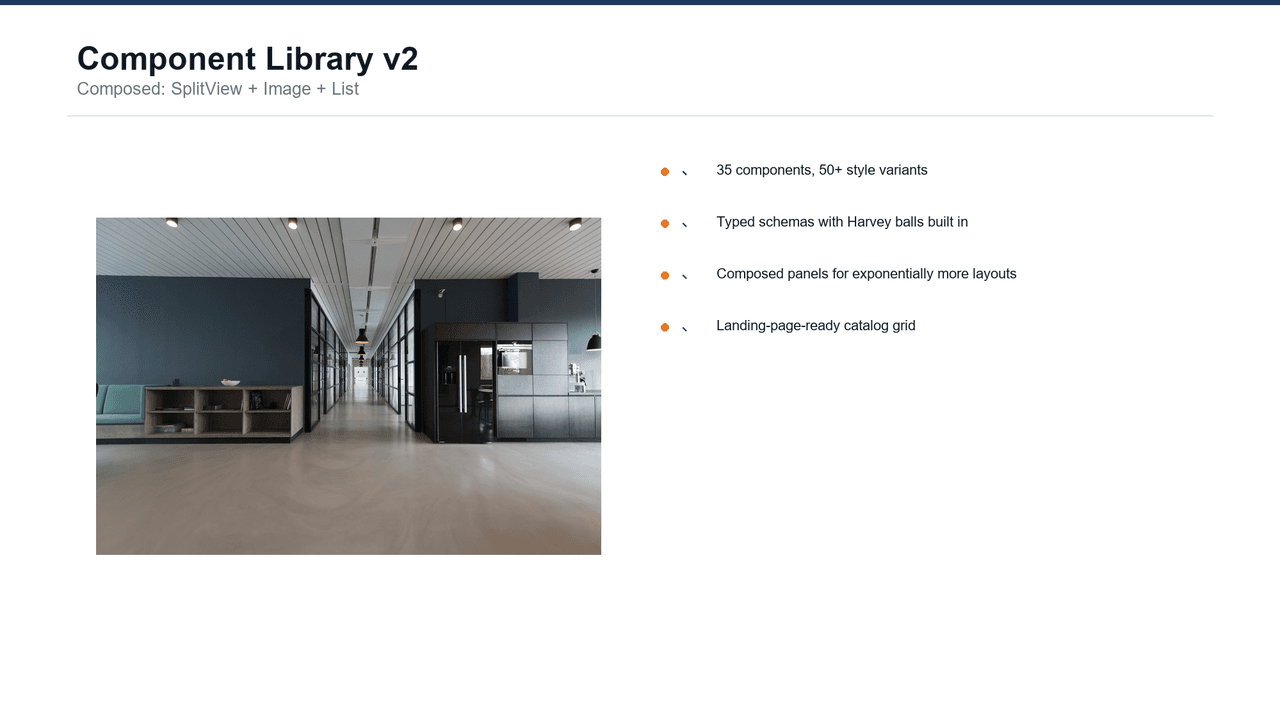
SplitView with an Image on the left and a List (checklist style) on the right. The launch-post canonical.
The allowlist and depth limit
Not every component is safe to nest. Wide components (Gantt, Swimlane, Timeline, Roadmap) need the full content zone. Chrome-hungry components (OrgChart, ThreeHorizons, Testimonial) render their own framing that collides with the container's panel treatment. These are banned as nested children:
- Banned: Gantt, Swimlane, Timeline, Roadmap, OrgChart, ThreeHorizons, Testimonial
- Containers that can host further nesting: SplitView, Card (max depth 2)
- Safe nested children (26): Metric, StatCard, BarList, LineTrend, Callout, List, Image, Hero, ComparisonTable, Table, IconGrid, Tracker, Funnel, Pyramid, StackedBar, Steps, Radial, ArrowFlow, Waterfall, Quadrant, Heatmap, MaturityModel, BurndownChart, RAGScorecard, UnitEconomics, CapTable
Max nesting depth is 2. A SplitView can contain a SplitView, and that SplitView can contain leaf components. Three levels of nesting raises nesting_too_deep.
Structured errors agents can self-correct from
All three composition error codes return HTTP 400 with a specific code field:
composition_not_supported— Named component isn't in the allowlist. Message includes the banned list, a 12-item sample of the safe list, and a note that SplitView/Card host further composition.nesting_too_deep— Depth exceeded 2. Message says to flatten or split into multiple slides.nested_params_invalid— Inner component's params failed validation. The inner validation error is included in the detail, so the agent sees both the wrapping context and the specific field problem.
The error messages are verbose on purpose. An agent hitting composition_not_supported with “Gantt cannot be nested” can self-correct to a composable alternative (BarList, Heatmap, Waterfall) without a round trip.
Why not just use templates?
Templates still exist — we ship 50 of them. The question is where to draw the line.
Templates earn their row when they bundle 2+ components into a designed layout with real setup work — custom spacing logic, branded chrome, or commentary panels. KPI Dashboard and Executive Summary are real templates.
Anything that's “component X next to component Y” is composition now. Fewer templates, more expressive power, one shape to learn. Fixed templates scale linearly; composition scales combinatorially.
What this unlocks
With 40+ components and 26 allowed as nested children, depth-2 composition yields roughly 26² = 676 two-cell layouts just in SplitView — plus 26³ = 17,576 three-cell Card layouts, minus the ones that don't make visual sense. Most of them are real: Metric+BarList, Image+List, Tracker+Callout, Heatmap+LineTrend. Agents compose them on demand.
That's the difference between a slide API and slide infrastructure. One gives you 500 pre-baked slides; the other gives you a vocabulary.
Get started
Composition is live in v3.0.1 via MCP and the REST API. No flag to enable, no opt-in. Just pass a composed panel.
Browse the component catalog to see which pair well, or read the declarative slides guide for the full Flexbox semantics.